What credentials are required?
Localize Prices requires App Store Connect API access: Issuer ID, Key ID, and Private Key.
Connect workflow
All guidesLocalize Prices connects to App Store Connect so pricing work can move from recommendation to review without manual copy-paste.
Download on the App Store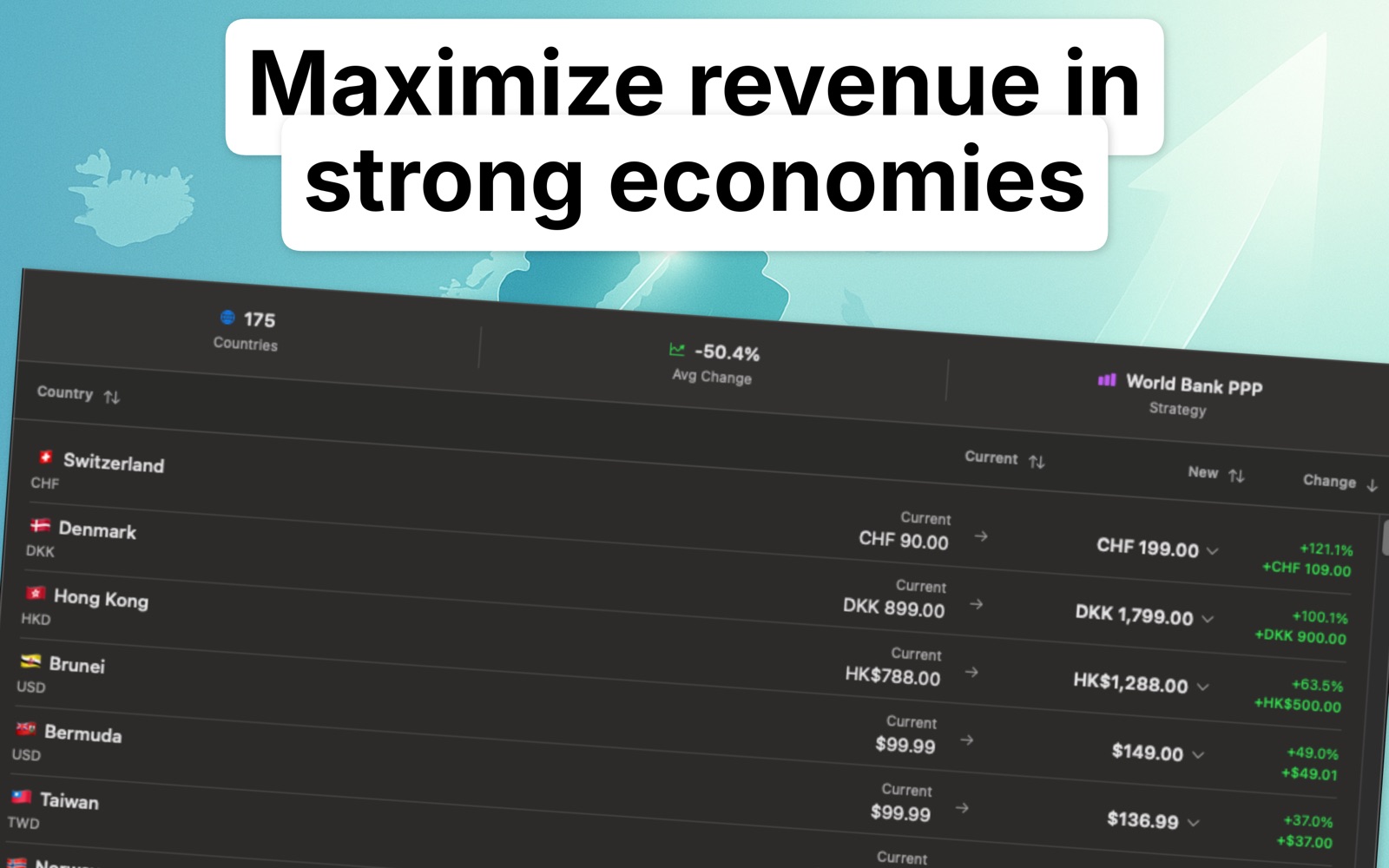
01
Developers often jump between App Store Connect, spreadsheets, and exchange-rate references just to review one pricing plan.
02
Add Issuer ID, Key ID, and Private Key locally, detect apps and products, then work through price recommendations in one place.
FAQ
Localize Prices requires App Store Connect API access: Issuer ID, Key ID, and Private Key.
No. The app stores credentials locally with macOS Keychain.
Yes. Demo mode includes realistic price tiers so you can understand the workflow before connecting.
All three come from Users and Access in App Store Connect, where you generate a key for the App Store Connect API. Copy the Issuer ID and Key ID, and download the .p8 private key file, which Apple lets you download only once. The three values then go into Localize Prices and stay in the macOS Keychain.
Revoking a key in App Store Connect ends its access immediately, so you generate a new one and replace the values in the app. Because the credentials only ever live in your Keychain, removing them from the Mac also removes the app’s access.
Localize Prices
Download Localize Prices and turn global price localization into a repeatable Mac workflow.
Download on the App Store