What does PPP mean for app pricing?
Purchasing power parity compares local buying power, helping developers pick prices that feel more proportional across markets.
PPP pricing
All guidesPPP pricing helps app businesses avoid prices that are locally unrealistic or unnecessarily discounted.
Download on the App Store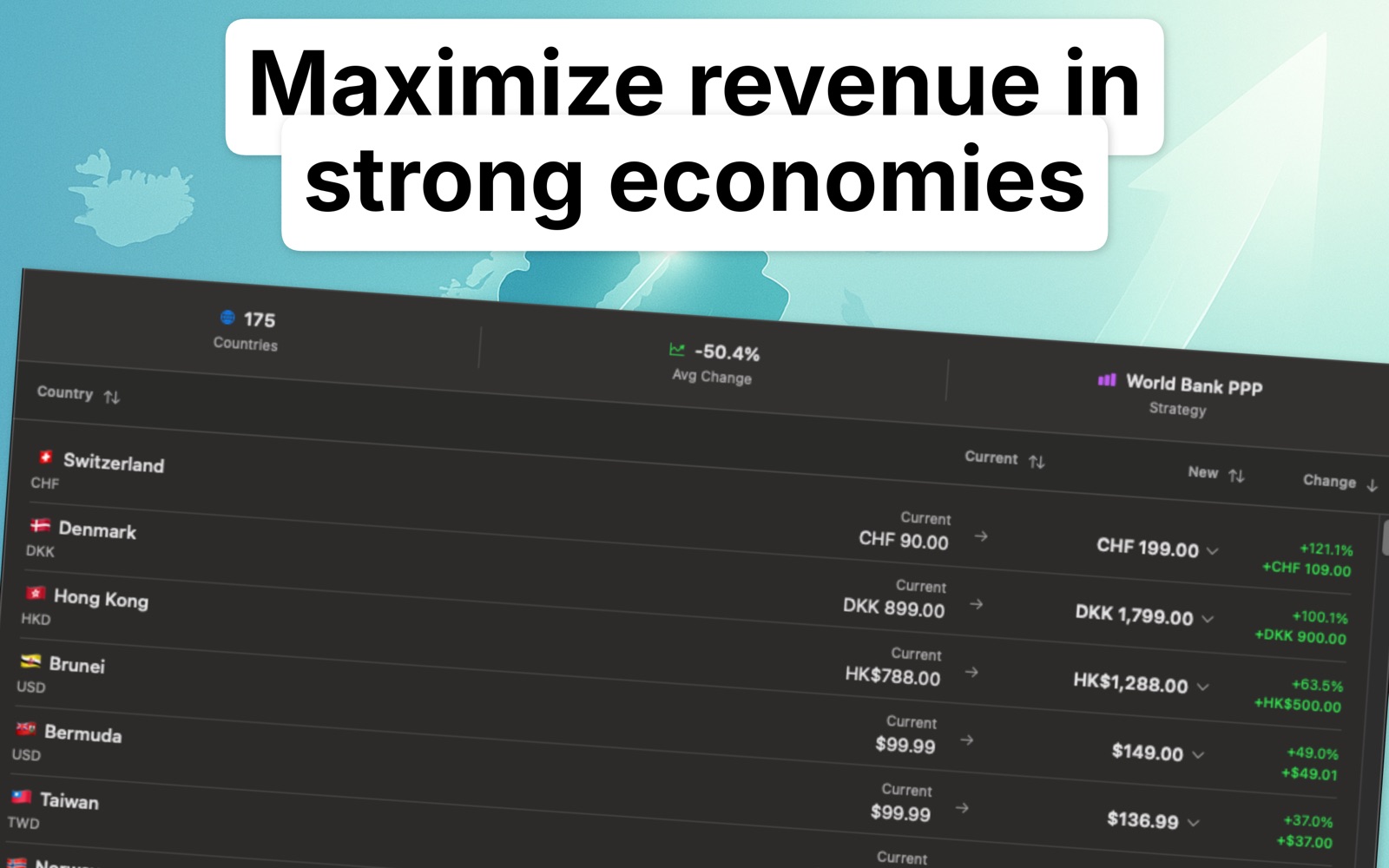
01
Exchange rates do not show how expensive an app feels to customers in different countries.
02
Localize Prices applies real PPP indices, maps them to available App Store tiers, and previews the likely revenue movement.
FAQ
Purchasing power parity compares local buying power, helping developers pick prices that feel more proportional across markets.
It can improve conversion in expensive markets and preserve value in stronger economies, but the app shows projections so the tradeoff is visible.
No. PPP pricing is a structured localization method, not a blanket discount.
Recommendations are informed by World Bank purchasing power parity conversion factors, which compare what a unit of currency actually buys in each economy. The app maps that factor onto the price points Apple offers for the storefront, so every suggestion is a price you can really select.
In economies where local prices are well below United States levels, the PPP-aligned figure is usually much lower than the converted one; in a few high-income markets it sits above. Each country row shows the current price next to the suggestion, so the size of the gap is explicit before you accept it.
Localize Prices
Download Localize Prices and turn global price localization into a repeatable Mac workflow.
Download on the App Store