
Are projections guarantees?
No. They are planning estimates designed to make tradeoffs visible before you change prices.
Revenue preview
All guidesPricing changes should be reviewed as business decisions, not just tier edits.
Download on the App Store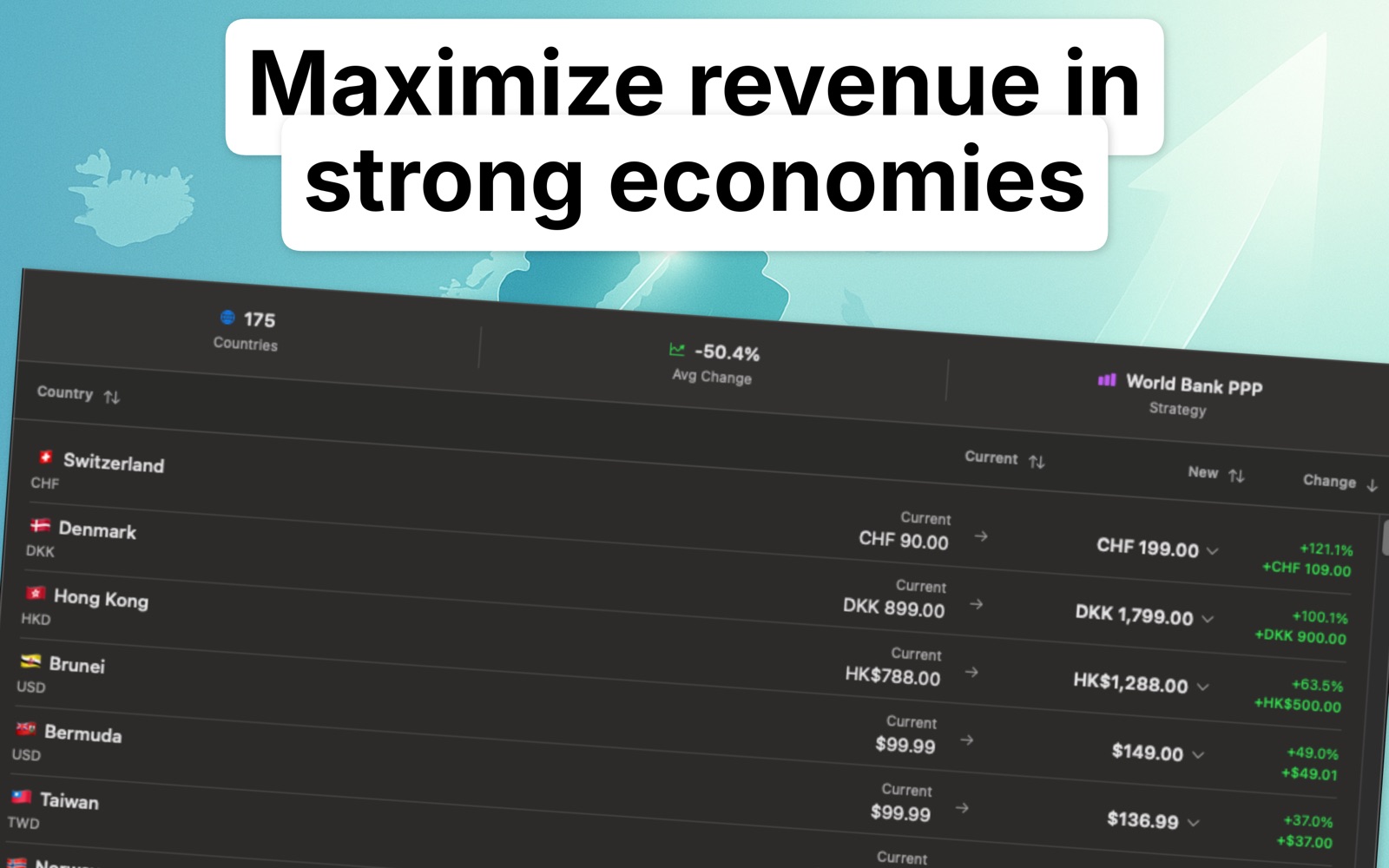
01
Lowering prices may improve conversion while reducing revenue per sale; raising prices may do the opposite.
02
Localize Prices highlights likely revenue movement so you can compare strategy, risk, and opportunity before committing.
FAQ
No. They are planning estimates designed to make tradeoffs visible before you change prices.
Yes. The app shows country-by-country breakdowns.
Because a better local price should be weighed against expected revenue movement, not chosen blindly.
It compares the revenue implied by the prices live today with the revenue implied by the suggested price points, country by country. What it cannot include is how many more or fewer people buy at the new price, Apple’s commission or local tax, so read it as a comparison of price levels rather than a demand forecast.
Start where the projected movement is largest: a handful of big storefronts usually drive most of the total, while many small ones barely move it. Country search, filtering and the color-coded impact rows separate the markets that deserve a decision from the ones that can keep an automatic price.
Localize Prices
Download Localize Prices and turn global price localization into a repeatable Mac workflow.
Download on the App Store